
Stream your Mac to your
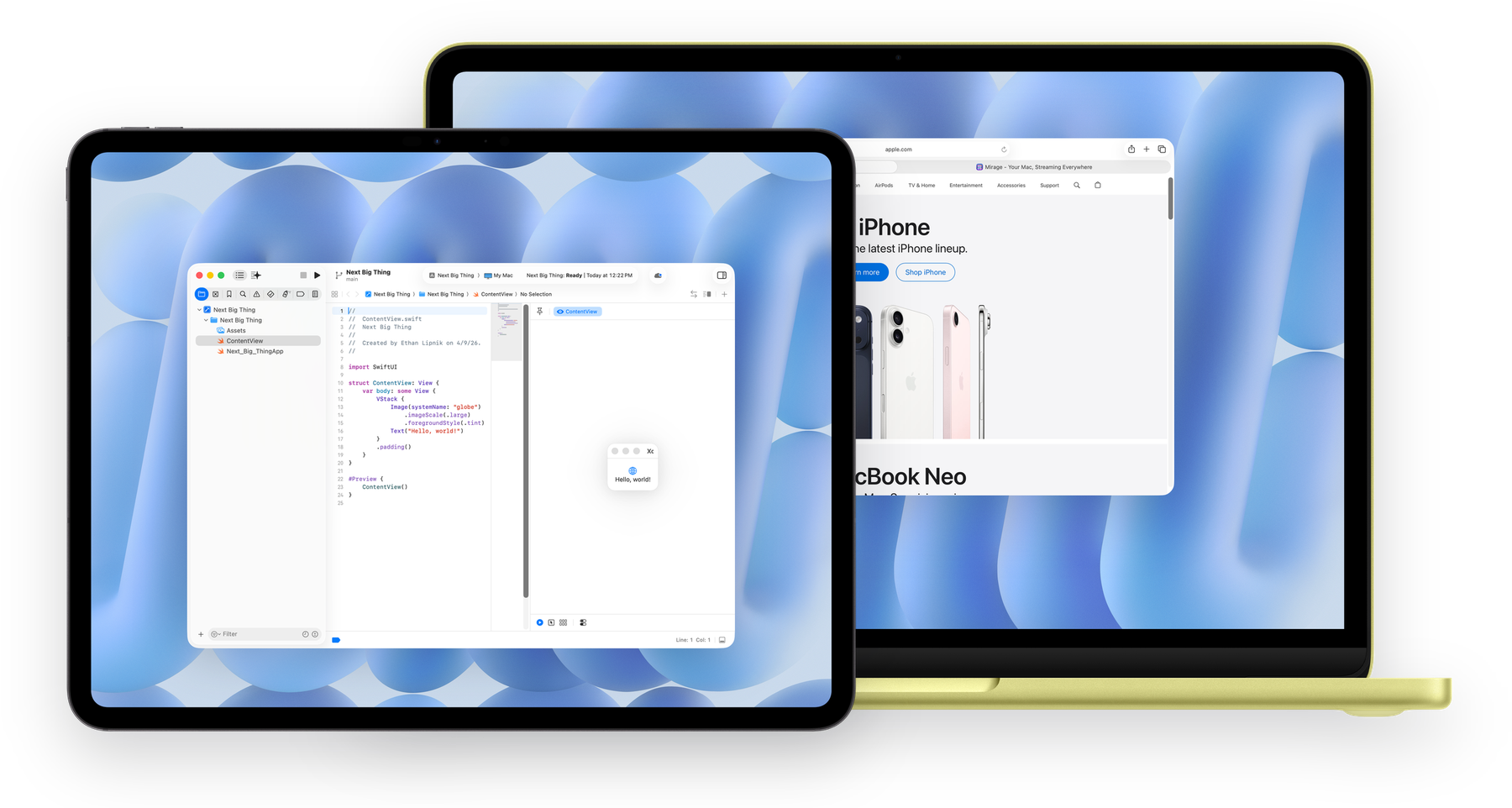
Stream individual apps — up to 8 at once.
Mirror your Mac as one unified display, or use your device as a second display. Works headless.
Supports dynamic ProMotion frame rates.
Pressure, tilt, and orientation, forwarded to your Mac.
AES-256 media encryption — always on for remote, optional for local sessions.
Hardware-accelerated video with a direct connection to your Mac.
Your devices find your Macs automatically, and saved addresses keep the ones you need close.
Stereo, 5.1 surround, or lossless audio.
Native Retina. Resize and rotate without stretching.
| Feature | Mirage | Sidecar | Workbench | Jump Desktop |
|---|---|---|---|---|
| Second display | ✓ | ✓ | ~ | ✕ |
| Proximity Connect | ✓ | ✓ | ✕ | ✕ |
| Apple Pencil pressure & tilt | ✓ | ~ | ✓ | ✕ |
| Apple Vision Pro | ✓ | ✓ | ✕ | ✕ |
| No shared Apple Account needed | ✓ | ✕ | ✓ | ✓ |
| Headless Mac support | ✓ | ✕ | ✓ | ✓ |
| Connect anywhere | ✓ | ✕ | ✓ | ✓ |
| Encryption | ✓ | ~ | ✓ | ✓ |
| Individual windows | ✓ | ✕ | ✕ | ✕ |
| Dynamic ProMotion | ✓ | ✕ | ✕ | ✕ |
| 10-bit Display P31 | ✓ | ✕ | ✕ | ~ |
| Remote wake & unlock from login2 | ~ | ✕ | ✕ | ✕ |
| Free $0 forever | Mirage Pro $59/yr Save 38% or $7.99/mo free trial included | |
|---|---|---|
| Desktop & app streaming | ✓ | ✓ |
| Same Apple Account host discovery | ✓ | ✓ |
| Apple Pencil support | ✓ | ✓ |
| Resolution | 720p non-Retina resolution | Retina + 10-bit color |
| Frame rate | 30fps | ProMotion |
| App windows | 1 | 8 |
| Audio | Lossless and 5.1 surround | |
| Proximity Connect | ✓ | |
| Connect Anywhere | ✓ | |
| Connect via VNC | ✓ | |
| AES-256 media encryption | ✓ | |
| Enhanced dictation | ✓ |
All future updates included.
one-time purchase · all Pro features
New to Mirage Pro? Give an eligible friend their first month free and earn a free month when they redeem it.
macOS, iOS, iPadOS, and visionOS.